Ted Kriwiel
Co-Founder
Ted helps nonprofits build an impact flywheel. He writes about software strategy and the tools that power mission-driven organizations.
← Back to all courses
 Attio Ted Kriwiel
Introduction to Lists in Attio
| 15 minutes
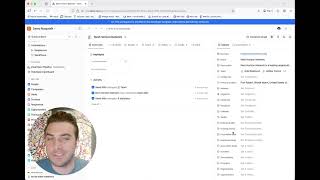
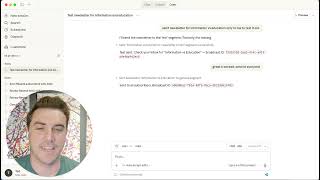
Ted Kriwiel Learn how to use lists in Attio to track multiple journeys, manage pipelines, and create a single source of truth for your data.
Chapters
Introduction
- 0:00 — Introductions to lists
Purpose of lists
- 0:36 — Difference between lists and objects
- 1:22 — Difference between list and view
- 2:40 — How objects and lists work together
Multiple Journeys
- 3:21 — One person, multiple lists
- 4:00 — How to view list membership from people profile
Lists vs. Tags
- 5:00 — Tags are flat and lists are more robust
Lists solve the spreadsheet problem
- 5:35 — Spreadsheet problem
- 6:23 — Lists + Objects becomes a single source of truth
How to create a list
- 7:17 — Create a list
- 8:28 — Create a view (of a list)
Stages and Attributes
- 8:54 — Add stages
- 10:04 — Add other attributes
- 10:25 — Adding people as an attribute (even tho its a company list)
- 11:08 — Add records to a list
- 12:10 — Bulk add records to a list
Kanban and Pipeline
- 12:44 — Kanban from a list
- 13:19 — Update metadata in the view for a kanban card
- 14:02 — Pipeline totals
Summary
- 14:54 — How People + Companies + Lists weave together
- 15:16 — Lists help coordinate multiple journeys