Ted Kriwiel
Co-Founder
Ted helps nonprofits build an impact flywheel. He writes about software strategy and the tools that power mission-driven organizations.
← Back to all courses
 Attio
Attio  Typeform Ted Kriwiel
Typeform to Attio Automation Workflow
| 5 minutes
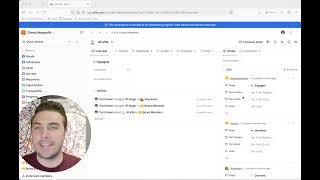
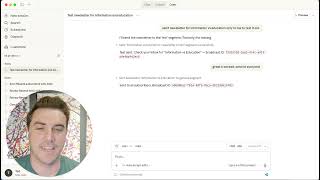
Ted Kriwiel Ted builds a Typeform-to-Attio automation using Attio's new automations interface — matching form questions to list attributes, creating or updating a person by email to avoid duplicates, and testing the workflow end to end.
Chapters
Introduction
- 0:00 — The goal: a Typeform submission should show up in an Attio list
- 0:00 — Deciding where the confirmation email is sent from — Typeform, not Attio
Setting Up Typeform Notifications
- 0:15 — Editing the confirmation email sent to the submitter
- 0:45 — Adding a team notification for new submissions
- 1:10 — What the team notification includes (a dump of all answers)
Matching Typeform Questions to List Attributes
- 1:40 — Adding an attribute in the list for every Typeform question
- 2:00 — Why this step is tedious — matching all 10 questions by hand
Building the Automation in Attio’s New Workflow Builder
- 2:40 — Creating a new workflow in Attio’s new automations interface
- 2:55 — Describing the trigger: submissions on the volunteer assignment form
- 3:15 — Selecting the list the automation should write to
- 3:35 — Authorizing the connection and selecting the Typeform form
Preventing Duplicate Records
- 3:50 — The problem: a straight “create record” step would duplicate people who already exist
- 4:00 — Switching to create-or-update based on the person’s email address
- 4:20 — Letting Attio’s AI match each Typeform question to the right list attribute
Publishing and Testing
- 4:45 — Publishing the workflow
- 4:55 — Submitting a test entry in Typeform
- 5:10 — Confirming the notification email arrived
- 5:20 — Confirming the record and all field data landed correctly in the list